Organizer Guide
Test Drive & Going Live
Tours move Draft to Test Drive to Live. You build and test for free, and pay only when you take a tour Live on a paid plan.
▶ Watch the walkthrough⤓ Download printable PDF
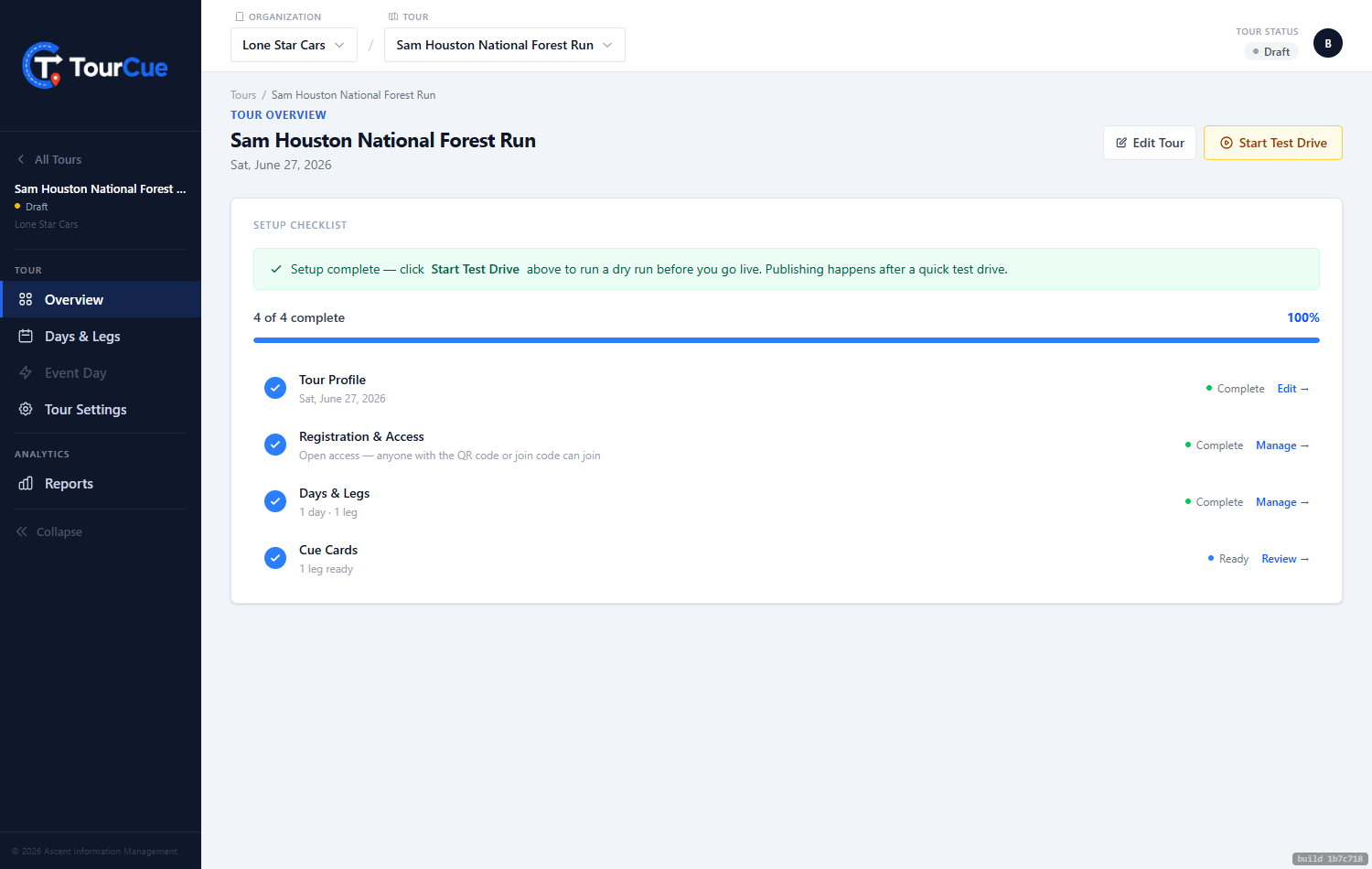
1Start Test Drive
When your setup checklist is complete, Start Test Drive lets you scan your own QR and drive the route — same app, same cue cards your participants get. Edits are saved; test-drive tracking clears automatically when you go Live.
2Go Live
Publish opens the plan selector. Cruise is free and publishes in one click; paid plans (per-event or annual) check out through Stripe. The moment it's Live, your QR codes are real.
3After the event
Mark the tour Wrapped to keep it for your records and reports, or archive it to tuck it away.