Organizer Guide
The Event Day Console
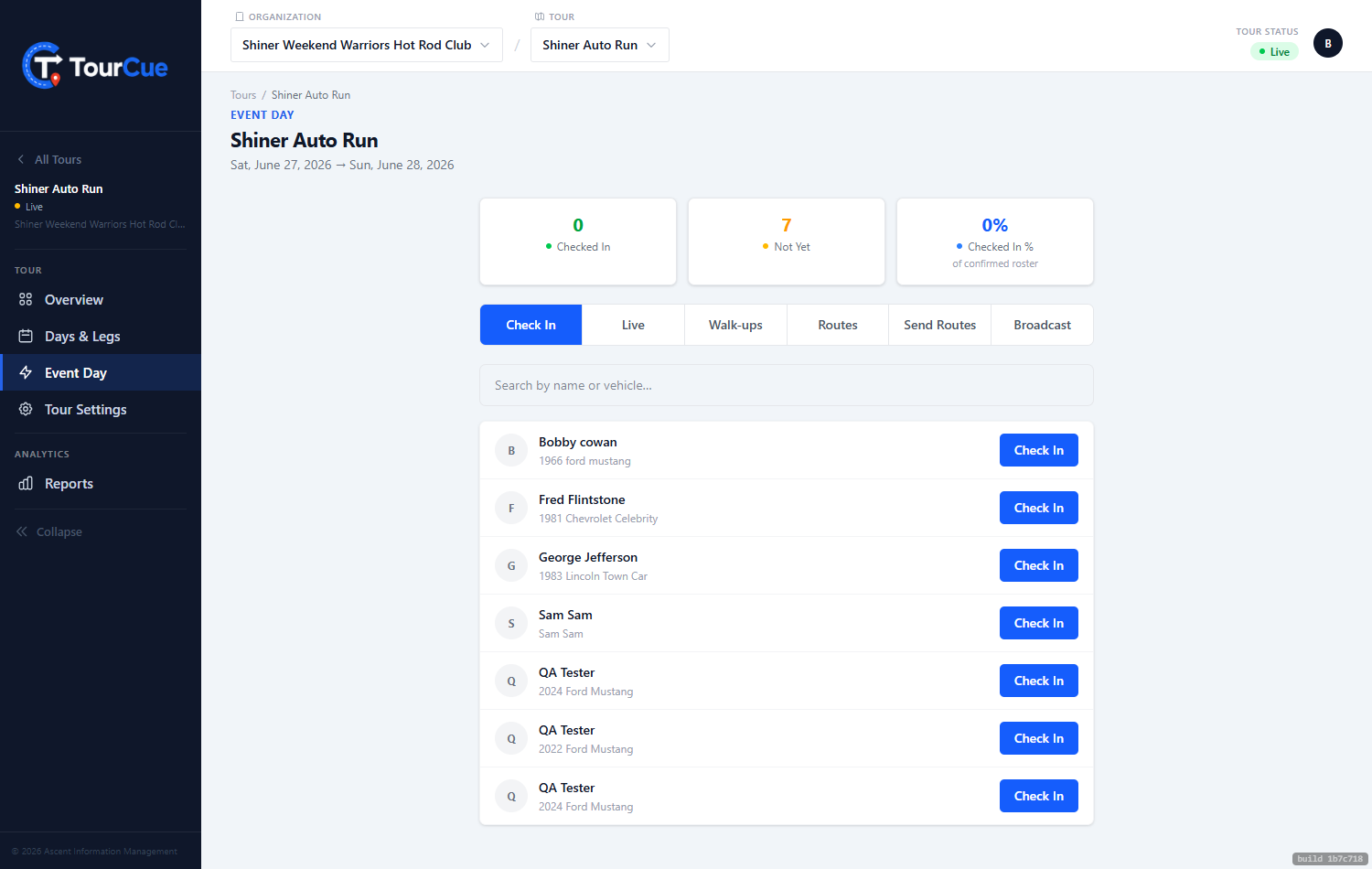
On event day, the live console is mission control — a handful of tabs you'll use in order.
▶ Watch the walkthrough⤓ Download printable PDF
1Check in & walk-ups
Search the roster and check people in as they arrive. Quick Add handles the walk-up who shows up unregistered — add them on the spot.
2Live & routes
Watch your active drivers on the map in real time — who's where, who's behind — and review the day's legs with their join codes for the drivers' meeting.
3Broadcast
Send a message — typed, or a saved quick message — to all active drivers. It arrives as a banner, a push notification, and a copy in their in-app inbox.