Organizer Guide
The Merch Store
Grand Touring includes a merch store — sold right inside registration, paid for in the same checkout as the ticket.
▶ Watch the walkthrough⤓ Download printable PDF
1Set up your items
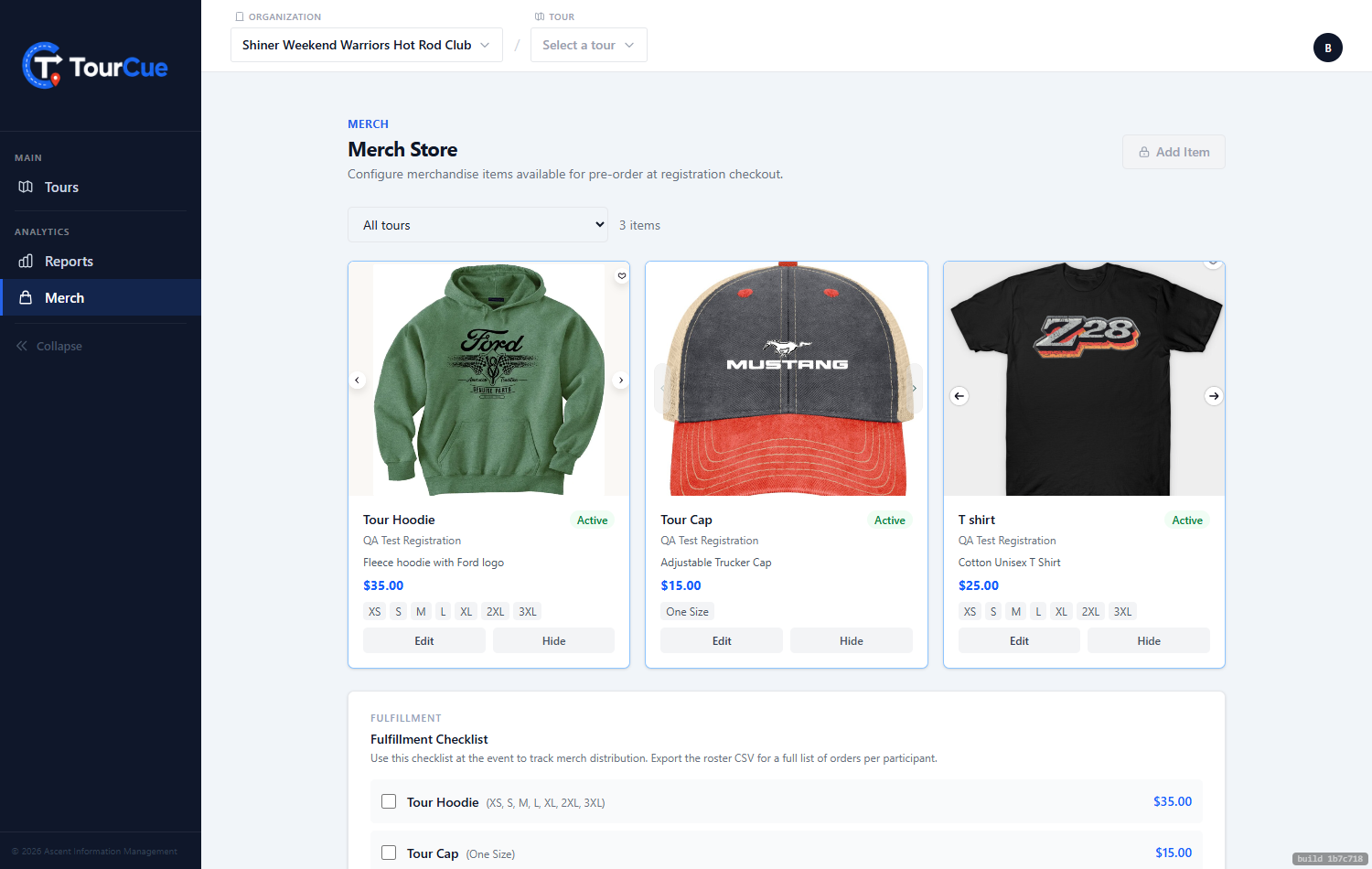
Add items with a name, price, photo, sizes, and how many you have. The store only ever sells what you actually stock.
2Add-ons at checkout
Your merch appears as add-ons during registration — one checkout, ticket and tee together. The money flows like ticket revenue, through Stripe to your account.
3Fulfillment
The fulfillment checklist shows who ordered what, in which size, so you check people off as you hand items out at the registration desk.