Organizer Guide
Creating a Tour, Days & Legs
After the onboarding wizard builds your first tour, you create every tour after it right here.
▶ Watch the walkthrough⤓ Download printable PDF
1Create the tour
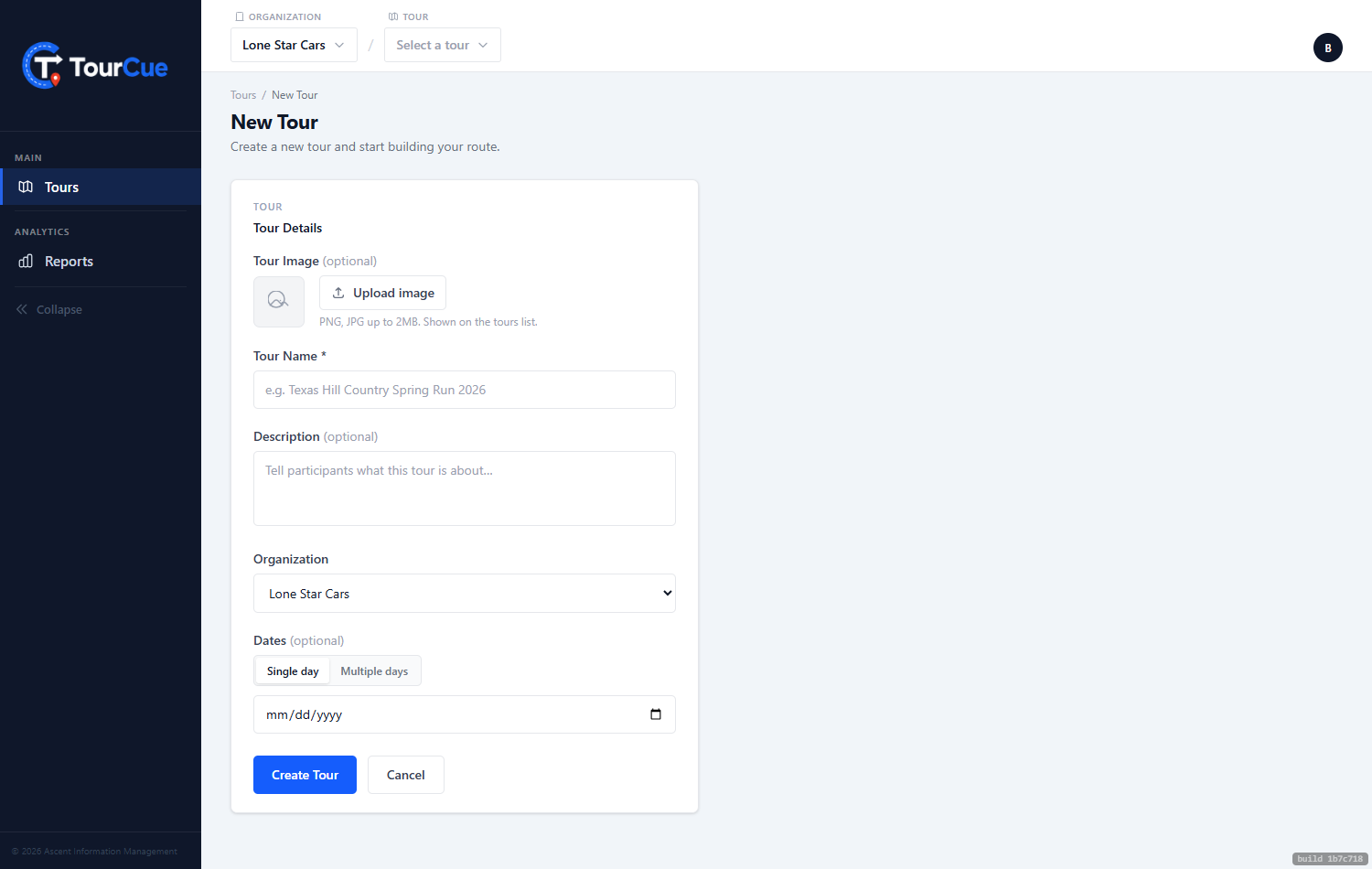
From Tours, click New Tour. Give it a name and a date — a single date is a one-day tour, a range is multi-day — plus an optional description and image (that image fronts your public tour page). Then Create Tour.
2Add your days
Open Days & Legs and add each day with a label and date. A single-day event just has the one day.
3Add your legs
Inside a day, add your legs. A leg is one continuous drive, and each gets its own route, cue cards, and QR join code. Name it something your drivers will recognize, then open it to build the route.