Organizer Guide
Sharing a Leg — QR & Join Code
Every leg has its own Share panel — four ways to get the route into your drivers' hands.
▶ Watch the walkthrough⤓ Download printable PDF
1Join code & participant link
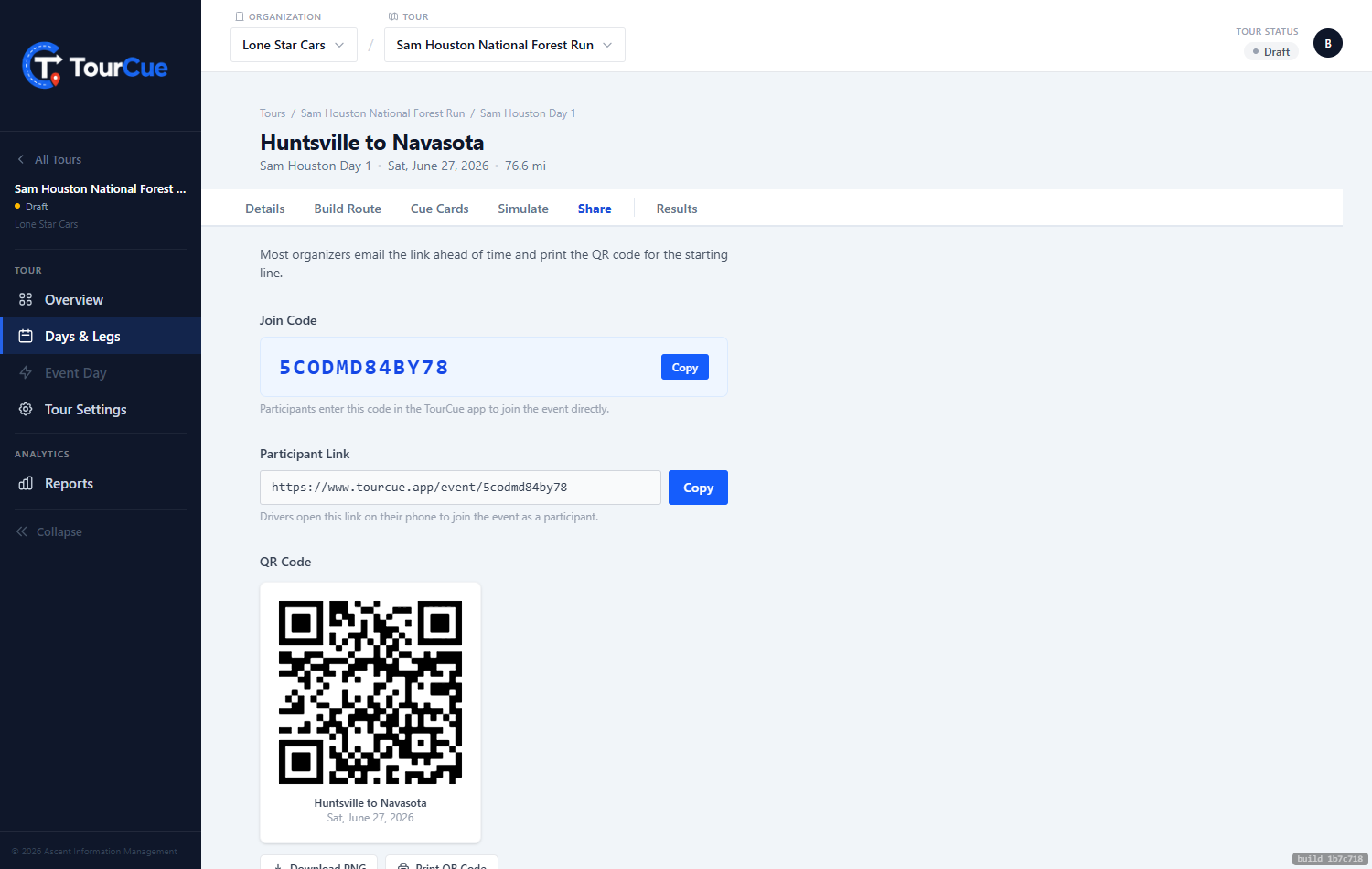
A 12-character join code drivers type into the TourCue app, and a participant link that opens the app on tap — perfect for the group chat or an event-morning text.
2QR code
Download or print the QR. Tape it to the sign-in table or show it at the drivers' meeting — scan, and the app opens with the route loaded. Zero training required.
3Lead car passcode
Share this one only with your lead driver. It's required to claim the Lead Car role, which can drop caution pins that every driver sees.